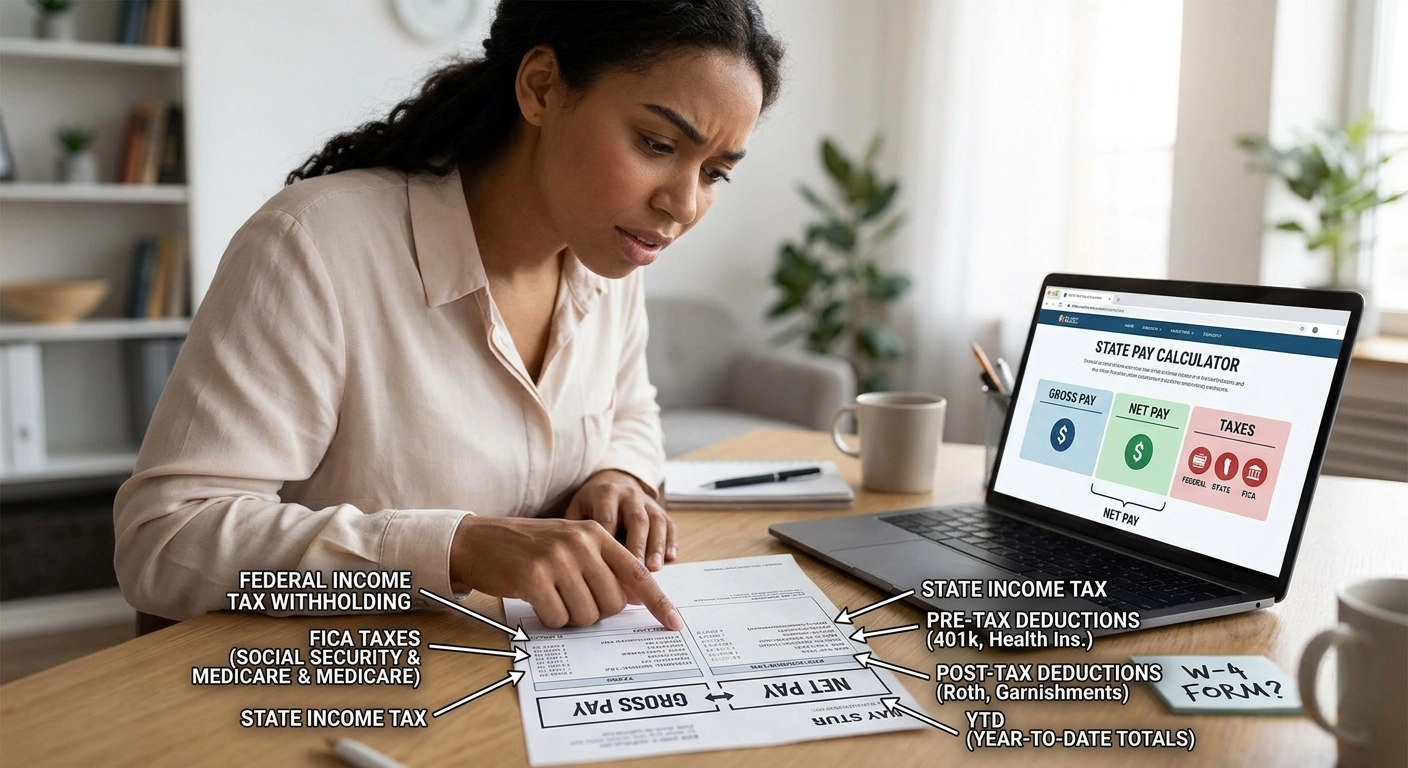

Why is so much taken out of my paycheck? Your W-4 probably needs fixing
The W-4 is one of the most important forms you'll ever fill out at a job - and most people either guess through it or leave it on whatever defaults HR handed them on day one. That's how you end up either writing a big check to the IRS every April or giving the government a free loan all year through an inflated refund.
Getting it right isn't complicated once someone explains it in plain English. That's what this guide does.
Before you read further: if you want to see exactly how your W-4 elections affect your actual take-home pay by state, use the freeW-4 and withholding calculator at statepaycalculator.com. Plug in your numbers and watch the results change in real time.
What Is a W-4 Form and Why Does It Matter?
The W-4 - officially the "Employee's Withholding Certificate" - is the form you give your employer to tell them how much federal income tax to withhold from each paycheck. Your employer doesn't know your full financial picture: other income, a side business, a spouse who also works, deductions you plan to take. The W-4 is how you communicate all of that so your withholding lands as close to your actual tax bill as possible.
Get it right and April is a non-event. Get it wrong and you either owe money you don't have, or you've been handing the IRS an interest-free loan all year.
What Changed on the W-4 in Recent Years?
If you haven't touched your W-4 since before 2020, there's something you should know: the form was completely redesigned. The old system used "allowances" - a confusing number that most people picked based on guesswork or whatever a coworker told them. The IRS scrapped that entirely.
The current W-4 uses actual dollar amounts and simple checkboxes. It's more intuitive once you understand the five steps - and far more accurate when filled out correctly.
If you submitted a W-4 before 2020, your employer is still using it and it's still valid. But if your situation has changed at all - new job, marriage, divorce, kids, side income - it's worth filling out a fresh one.
How to Fill Out the 2026 W-4: Step by Step
The W-4 has five steps. Only Steps 1 and 5 are required for everyone. The rest depend on your situation.
Step 1 - Personal Information (Required)
Enter your name, address, Social Security number, and filing status. Your filing status is the most consequential choice here:
Single or Married Filing Separately - higher withholding
Married Filing Jointly - lower withholding, assumes two incomes are being taxed together
Head of Household - for unmarried people who pay more than half the cost of a home for a qualifying person
Choosing the wrong filing status is the single most common source of under-withholding. If you're married but both spouses work, do not simply check "Married Filing Jointly" and move on - you need to complete Step 2.
Step 2 - Multiple Jobs or Spouse Works (Complete If Applicable)
This step is critical for households with more than one income. When two people work, their combined income may push them into a higher federal tax bracket - but each employer only withholds based on one salary. The result is under-withholding, and a tax bill in April.
You have three options to address this:
Option A (Easiest): Use the IRS Tax Withholding Estimator at irs.gov and enter the result in Step 4(c)
Option B (Simple checkbox): If you have exactly two jobs with similar pay, check the box in Step 2(c). This tells both employers to withhold at a higher rate.
Option C (Most precise): Complete the Multiple Jobs Worksheet on page 3 of the W-4 and enter the result in Step 4(c)
For most dual-income couples, the checkbox in Option B works well. If the two salaries are very different, use the worksheet for accuracy.
Step 3 - Claim Dependents (Optional)
This step reduces your withholding to account for tax credits you'll claim at filing time. Here's the formula:
Qualifying children under age 17: multiply the number of children by $2,000
Other dependents (elderly parents, adult children who qualify, etc.): multiply by $500
Enter the total dollar amount in the box - not the number of people
Important: you can only claim this reduction if your total income is $400,000 or less (married filing jointly) or $200,000 or less (all other filers). Above those thresholds, the credit phases out.
Step 4 - Other Adjustments (Optional)
This is where you fine-tune. Three sub-sections:
4(a) - Other income not from jobs: If you have income from freelance work, rental properties, investments, or retirement distributions that aren't subject to withholding elsewhere, enter the annual amount here. Your employer will withhold extra to cover it.
4(b) - Deductions: If you plan to itemize deductions instead of taking the standard deduction, use the Deductions Worksheet on page 3 to calculate an amount that reduces your withholding accordingly. Most people skip this - the standard deduction in 2026 is $15,000 for single filers and $30,000 for married filing jointly, so itemizing only makes sense if your deductions exceed those amounts.
4(c) - Extra withholding: This is the simplest fix for chronic under-withholding. Enter a flat dollar amount to add to every paycheck. If you consistently owe in April, start with $25 to $50 extra per period and adjust from there.
Step 5 - Signature (Required)
Sign and date. Without your signature, the form is invalid and your employer will withhold as if you're single with no adjustments - which is typically the highest withholding rate.
When Should You Update Your W-4?
Your W-4 doesn't expire (unless you claimed exempt - more on that below). But several life events should trigger a fresh one:
You got married or divorced
You had or adopted a child
You started a second job or your spouse started working
You left a job and have only one income now
You started a side business or freelance work
You received a large tax bill or a much larger refund than expected
Your income changed significantly
A good rule of thumb: review your withholding once a year, ideally in January or right after you file your taxes. Use theW-4 calculator to run your numbers before you submit any changes.
What Does Claiming Exempt Mean?
At the bottom of Step 4, there's a line to write "Exempt" - which tells your employer to withhold zero federal income tax. This is not a loophole or a strategy. It's a legal option for a narrow group of people.
You can claim exempt only if:
You had zero federal income tax liability last year, and
You expect zero federal income tax liability this year
If you claim exempt incorrectly, you'll owe everything that wasn't withheld, plus possible penalties. The exemption also expires every year - you must re-file by February 15 to keep it in place.
Frequently Asked Questions About the W-4
How do I fill out a W-4 if I have two jobs? If you have two jobs, your best options are to check the box in Step 2(c) if both jobs pay roughly the same, or use the IRS Tax Withholding Estimator and enter the result in Step 4(c). The checkbox approach is the simplest and works well when both salaries are in a similar range. If one job pays significantly more than the other, use the Multiple Jobs Worksheet on page 3 for a more accurate result.
How do I claim dependents on my W-4 in 2026? Go to Step 3 and enter a dollar amount - not a headcount. Multiply each qualifying child under 17 by $2,000 and each other dependent by $500, then add them together and enter that total. This reduces your withholding to reflect the credits you'll claim when you file. The reduction only applies if your income is $200,000 or less ($400,000 for married filing jointly).
What happens if I claim exempt on my W-4? Your employer withholds zero federal income tax from your checks. This is only legal if you had no federal tax liability last year and expect none this year. Claiming exempt when you don't qualify means you'll owe the full amount at tax time, potentially with penalties added on top.
How do I stop owing taxes every year? The most direct fix is Step 4(c) - enter a flat additional dollar amount to withhold each pay period. Even $25 to $50 extra per check eliminates a year-end bill for many people. Also review Steps 2 and 3 to make sure your filing status and dependent claims are accurate. Then run your numbers in the W-4 calculator to see where you land before you resubmit.
How often can I update my W-4? As often as you need to. There's no legal limit. Submit a new form to HR and your employer must implement it by the first payroll that ends 30 days after they receive it. You don't need to wait for a new year or a new job.
Do I need to fill out a new W-4 every year? No - your current W-4 stays in effect indefinitely unless you submit a new one. The one exception is if you claimed exempt status, which expires February 15 of each year and must be renewed. For everyone else, update it only when your situation changes.
What is the difference between the old W-4 with allowances and the current W-4? Before 2020, the W-4 used a system of "allowances" - a number most people guessed at. The IRS eliminated allowances entirely with the 2020 redesign. The current form uses checkboxes and dollar amounts, which are more precise and easier to understand. If you're still on an old form, it's valid - but a new one gives you better control over your withholding.
The Bottom Line
The W-4 isn't a set-it-and-forget-it form. It's the control dial for your federal withholding - and the only way to make sure you're not overpaying all year or scrambling to cover a surprise tax bill in April.
Fill out Steps 1 and 5 at minimum. If you have a second income, a spouse who works, or dependents, complete Steps 2 and 3. Use Step 4(c) to fine-tune if you've been consistently off.
Then check your work. TheW-4 and withholding calculator at statepaycalculator.com lets you model the impact of any W-4 change on your actual take-home pay before you hand anything to HR.